Blog
-
Creating and Automating DevOps Pipelines for Node-RED in Industrial Environments
When deploying any update in your manufacturing or automotive process, it is important to perform testing and validation. The smallest errors can lead to a production outage. In such cases, having a quick and reliable deployment process is essential for maximising uptime and minimising downtime.
read more... -
Using Snapshots for Version Control in Node-RED with FlowFuse
Learn how to use snapshots for version control in Node-RED with FlowFuse. Explore step-by-step guidance on creating, managing, and restoring flow backups to enhance your Node-RED development and save yourself from accidental changes. -
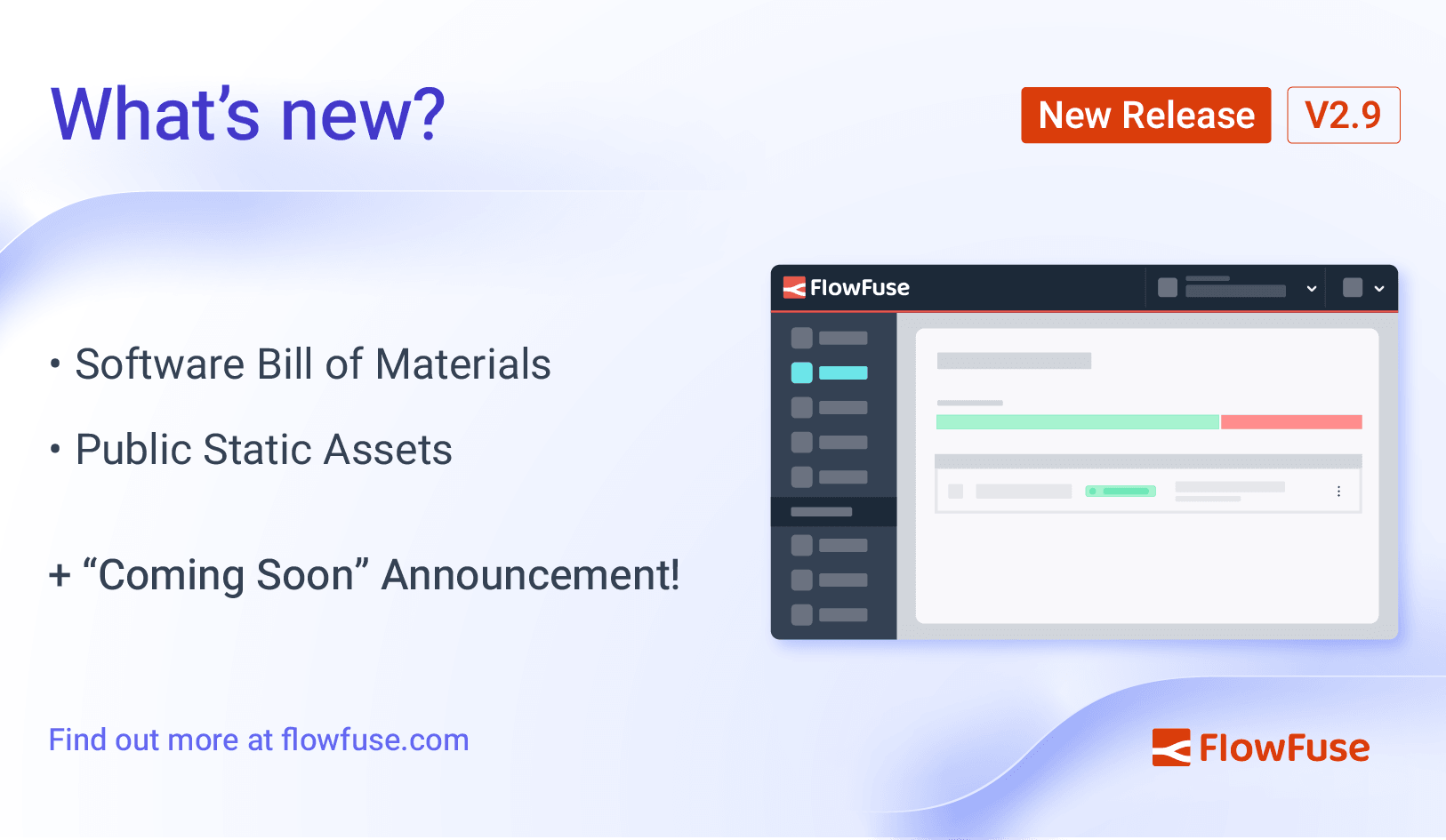
FlowFuse 2.9: Software Bill of Materials & Public Static Assets
Let's take a look at the new features and improvements in FlowFuse 2.9 -

How to Scrape Data from Websites Using Node-RED
Learn how to use Node-RED for web scraping to efficiently collect, extract, and manage data from websites. This step-by-step guide covers everything you need to know about creating automated web scrapers using Node-RED. -
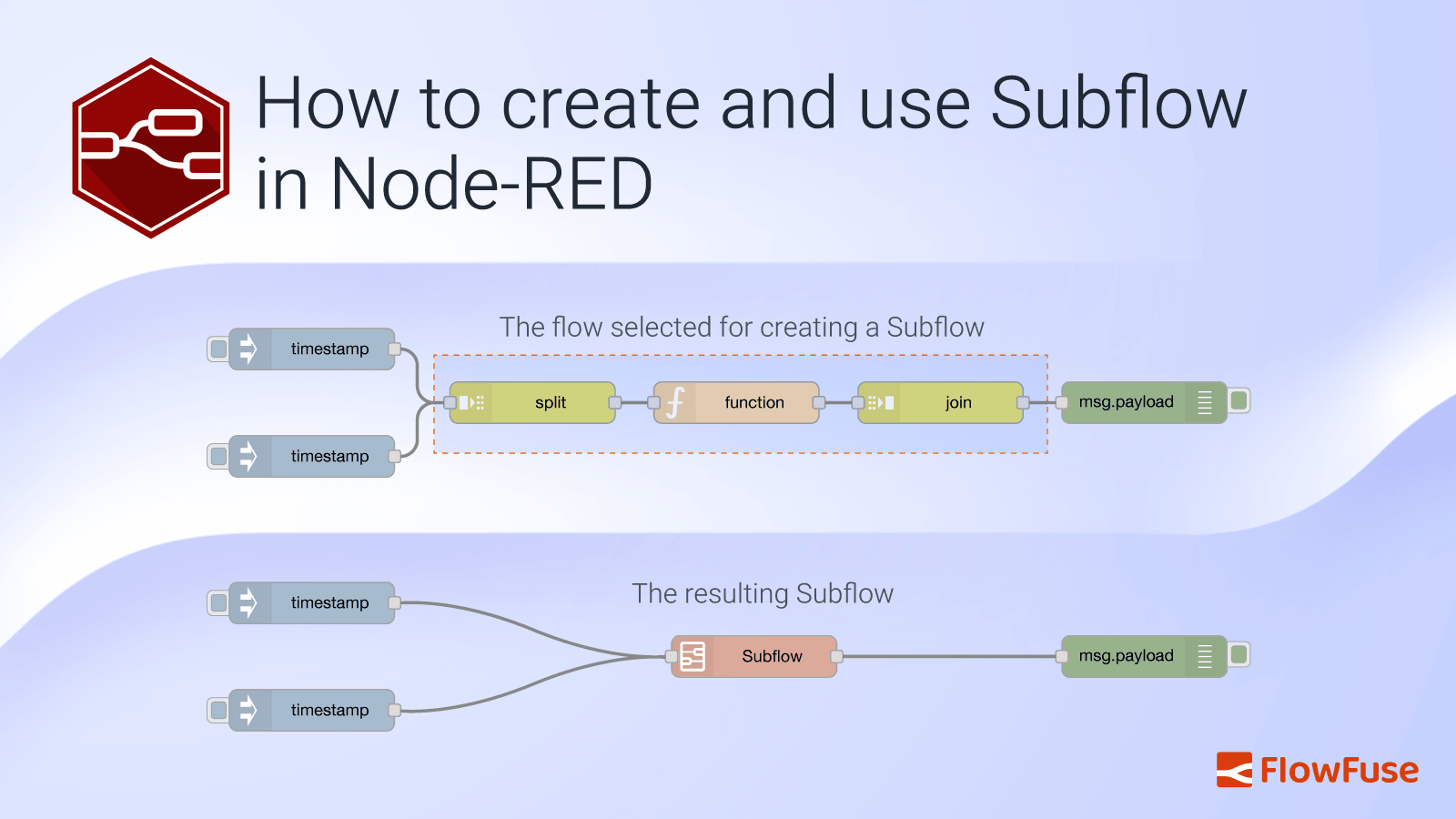
How to create and use Subflow in Node-RED
Learn how to effectively use subflows in Node-RED with this comprehensive guide. Discover the benefits, creation steps, and best practices for managing subflows to streamline your automation workflows. -
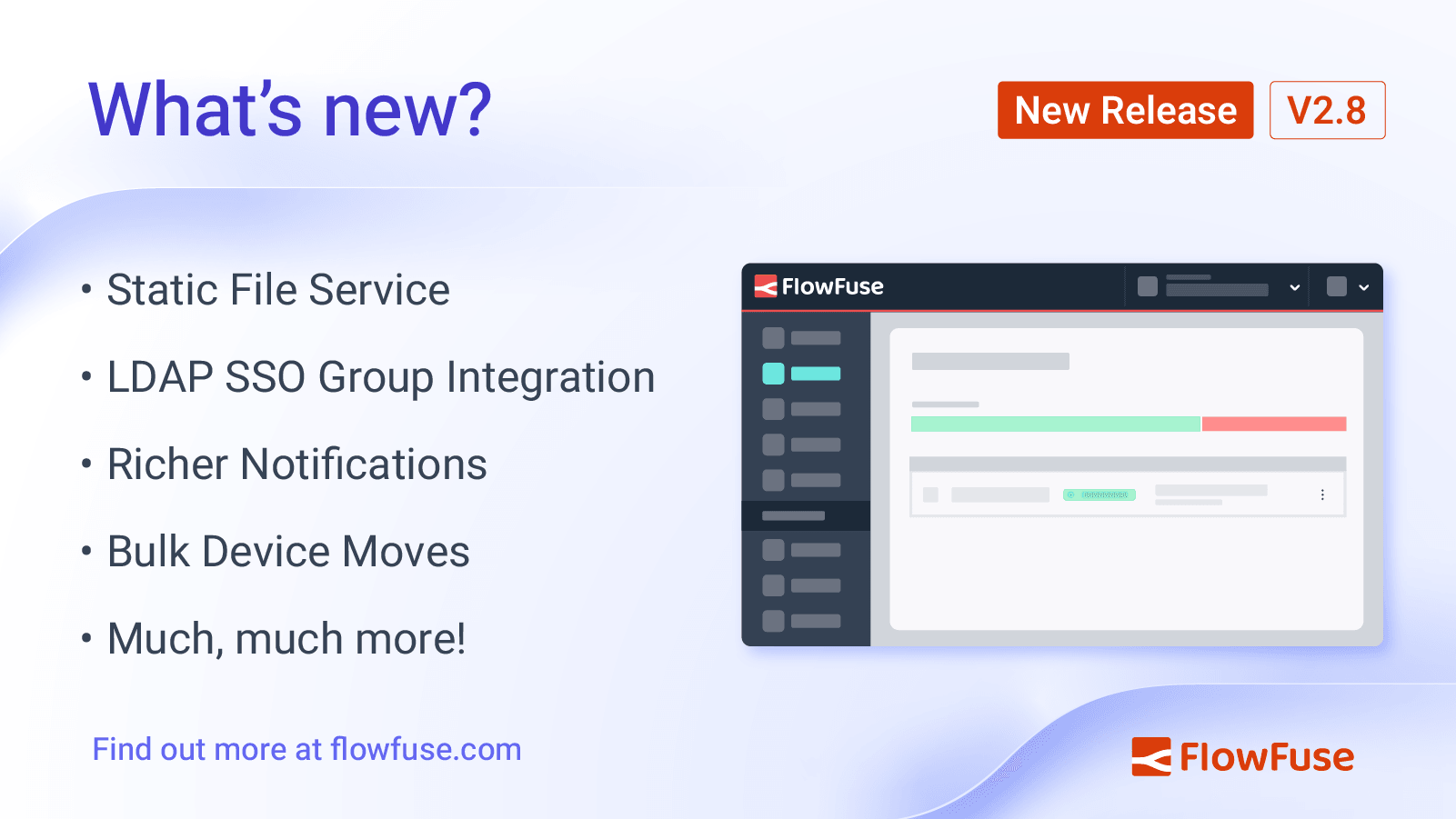
FlowFuse 2.8: Static File Service, LDAP Updates & More
Let's take a look at the new features and improvements in FlowFuse 2.8 -
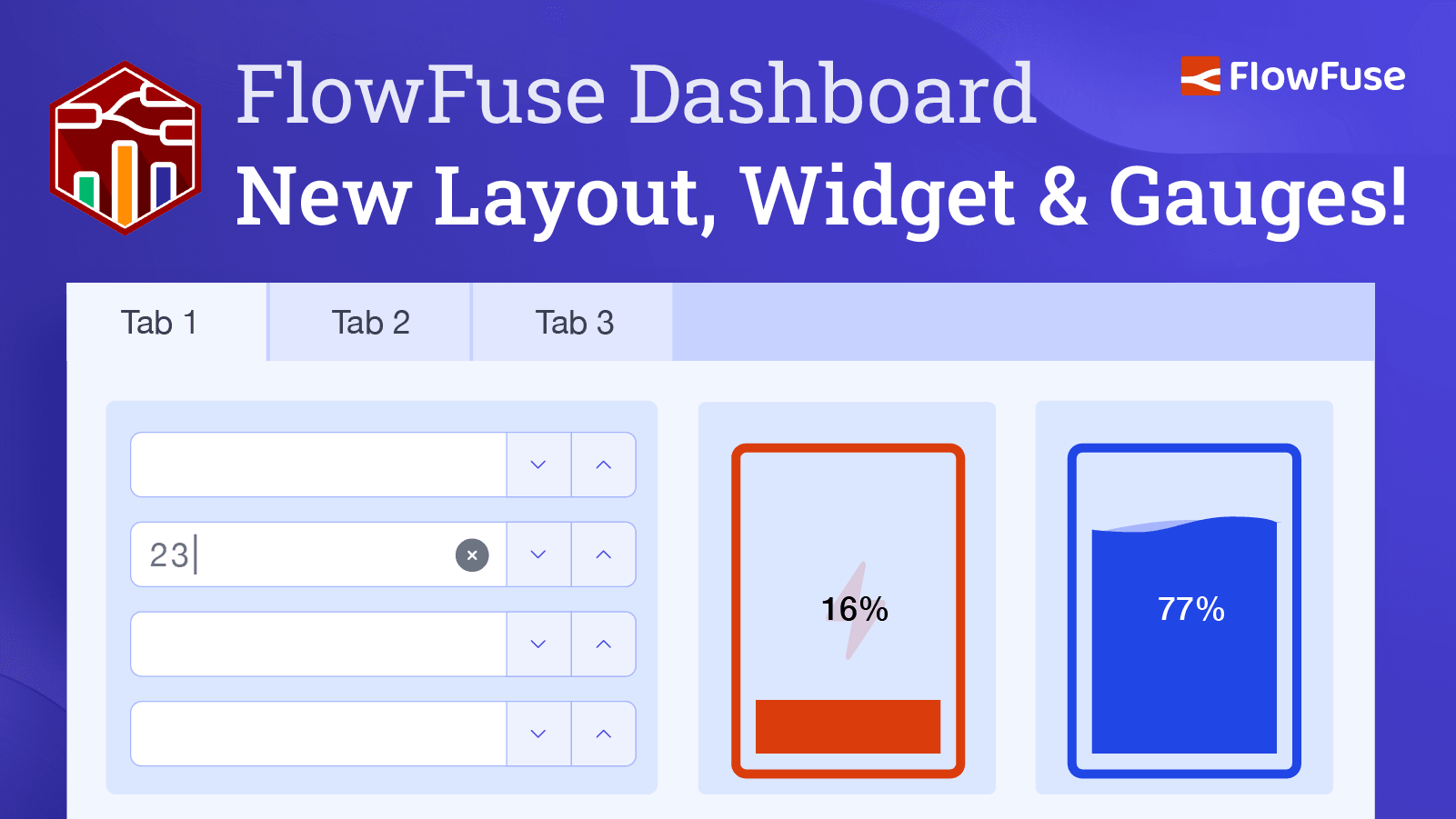
New Layout, Widget and Gauges Now Available in FlowFuse Dashboard
Our latest update for FlowFuse Dashboard introduces a new layout type, Tabs, a new widget, Number Input, and two fresh gauges, Battery and Tank Level, along with much more. -

MQTT Sparkplug B Implementation: Protocol, Architecture & Best Practices
Learn how to implement MQTT Sparkplug B with Node-RED for standardized, reliable Industrial IoT data flows and scalable production deployments. -
Monitoring and Optimizing Node-RED Flows with Open Telemetry.
Learn to integrate Open Telemetry with Node-RED to track and optimize flow performance. -
Bridging OPC UA Data to MQTT with Node-RED
Learn how to bridge OPC UA data to MQTT using Node-RED for seamless industrial IoT integration and real-time data flow. -

Customise theming in your FlowFuse Dashboard
Discover the latest enhancements in FlowFuse Dashboard, including customizable headers, themes, and layout modifications to personalize your dashboard experience. -
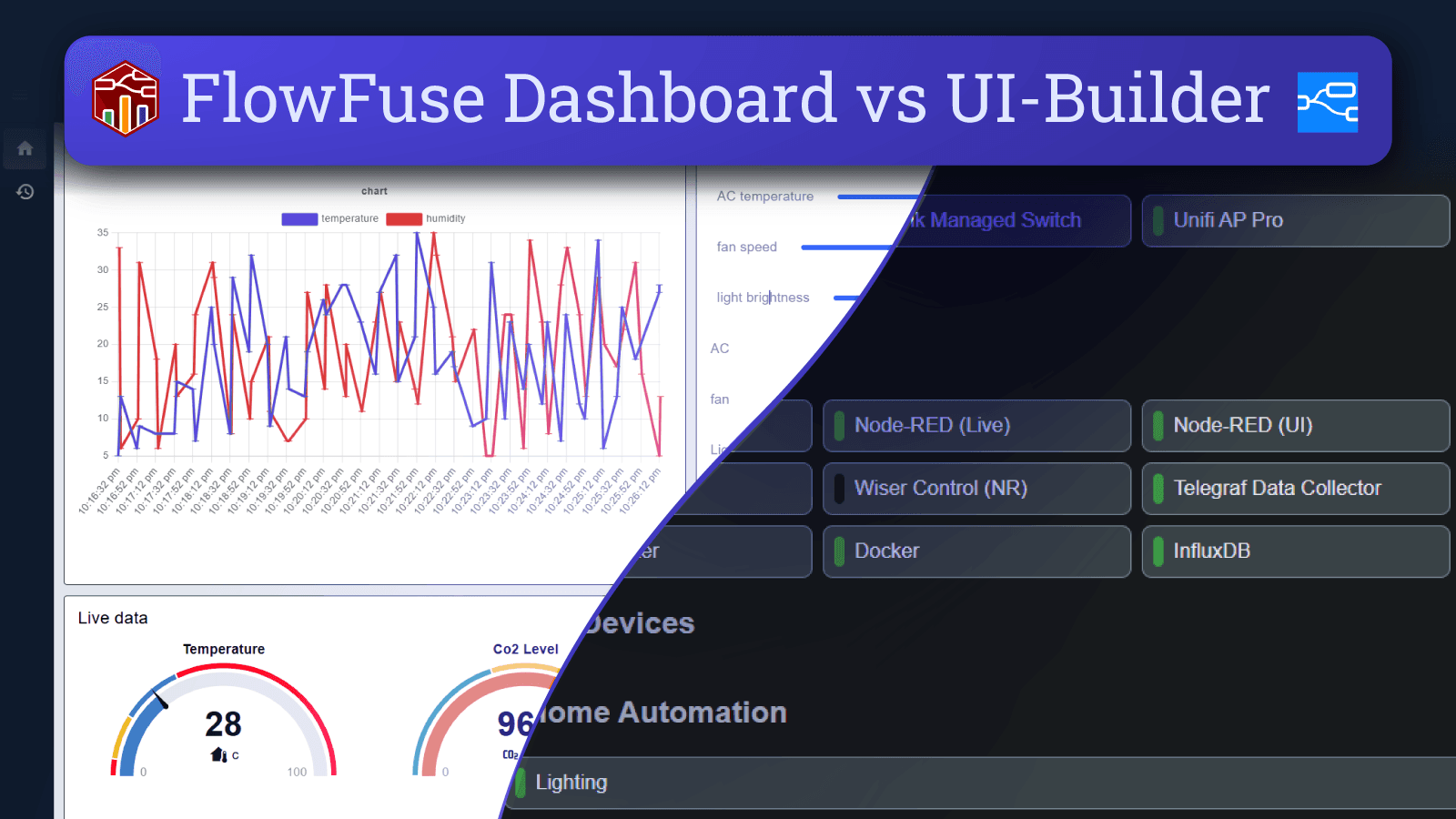
FlowFuse Dashboard vs UI-Builder: A Comprehensive Comparison
Compare FlowFuse Dashboard and UI-Builder. Discover their installation ease, customization, performance, and support to find the best solution for your needs. -
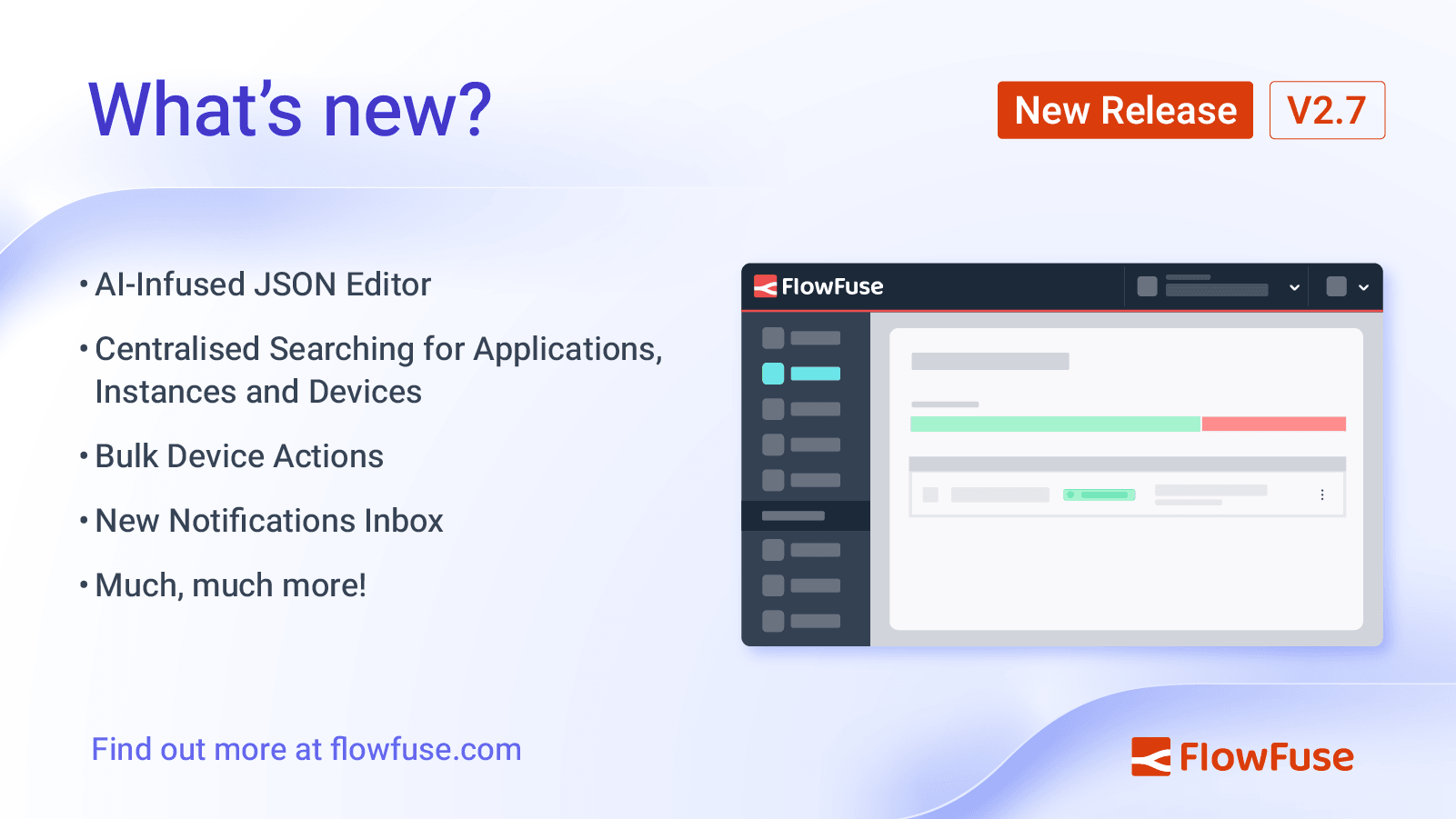
FlowFuse 2.7: Improved management at scale & AI JSON Editor
We've extended the AI-infused Node-RED experience to the JSON Editor, plus improvements to managing and searching your resources on FlowFuse -
How to Set Up SSO LDAP for Node-RED
Learn how to configure SSO LDAP for your self-hosted FlowFuse platform using OpenLdap as the Identity Provider. Simplify user authentication across applications with this step-by-step guide. -
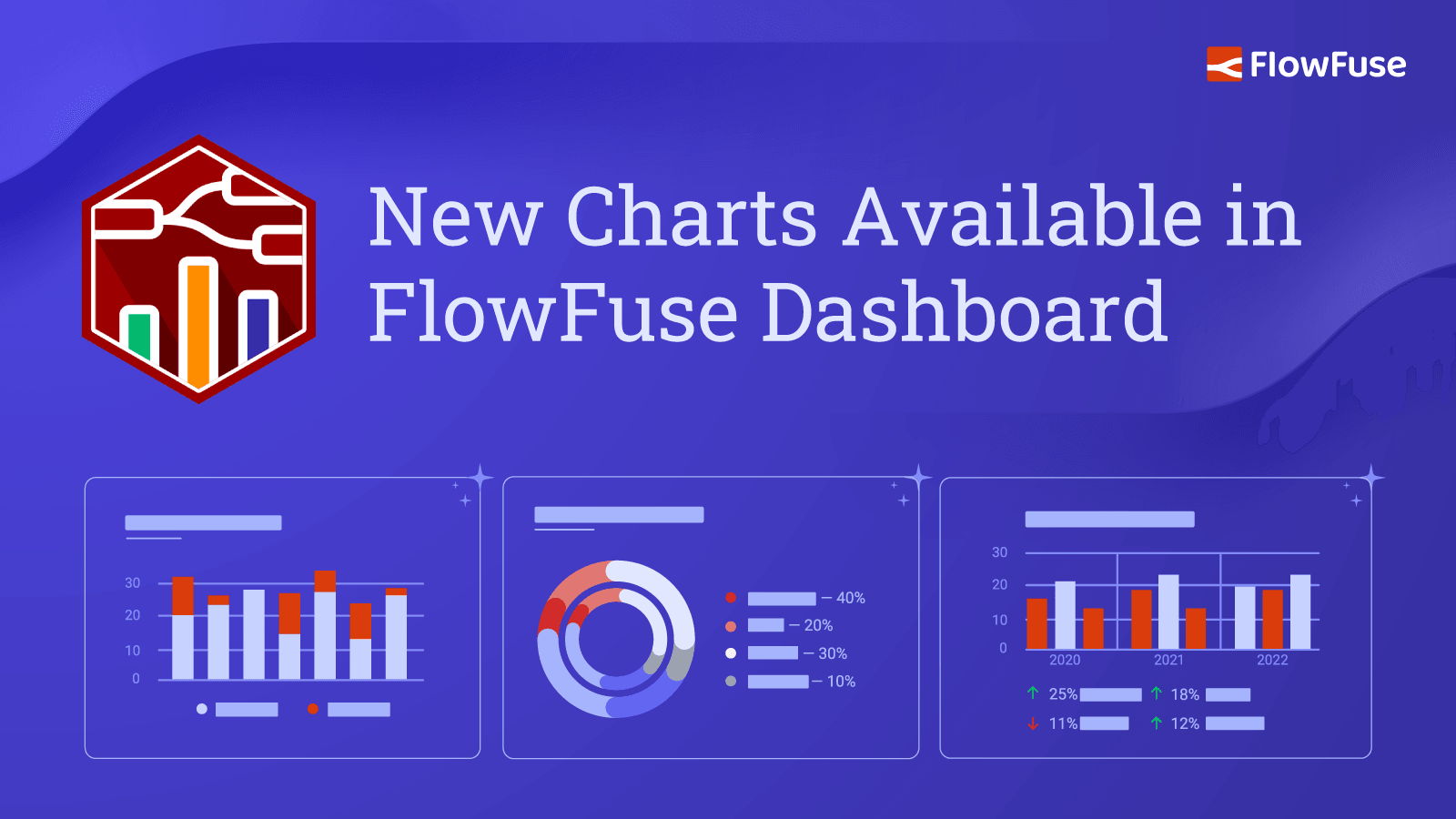
New Charts Available in FlowFuse Dashboard
Our most recent update for FlowFuse Dashboard has introduced Pie, Donut and Grouped Bar charts, and plenty more. -

Evolution of Technology: Impact on Job Roles and Companies
Discover how technology evolution, from historical disruptions to AI and low-code tools like Node-RED, reshapes job roles and enhances business operations -
How to Set Up SSO SAML for Node-RED
Learn how to configure SSO SAML for your self-hosted FlowFuse platform using Google as the Identity Provider (IdP). Simplify user authentication across applications with this step-by-step guide. -
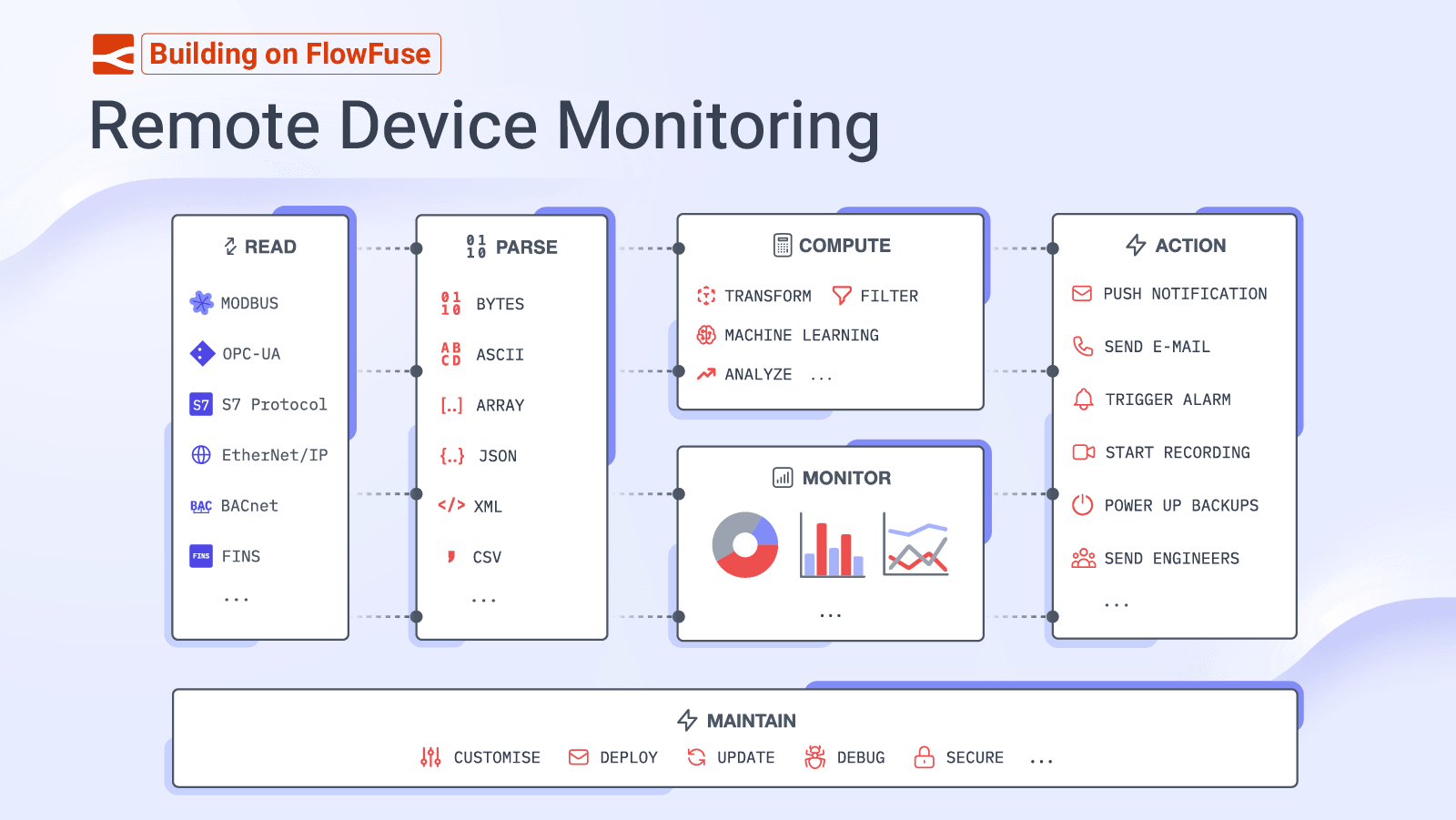
Building on FlowFuse: Remote Device Monitoring
In this article we take a look at how elements of the FlowFuse ecosystem can be used to build powerful IoT applications for monitoring remote devices. -

Deploying FlowFuse with Docker on an Ubuntu server
Learn to deploy the FlowFuse on your Ubuntu server with Docker, from domain setup to running your app with email, SSL configurations.